
IMPORTANT NOTE:
You must have an active Elementor Pro license.
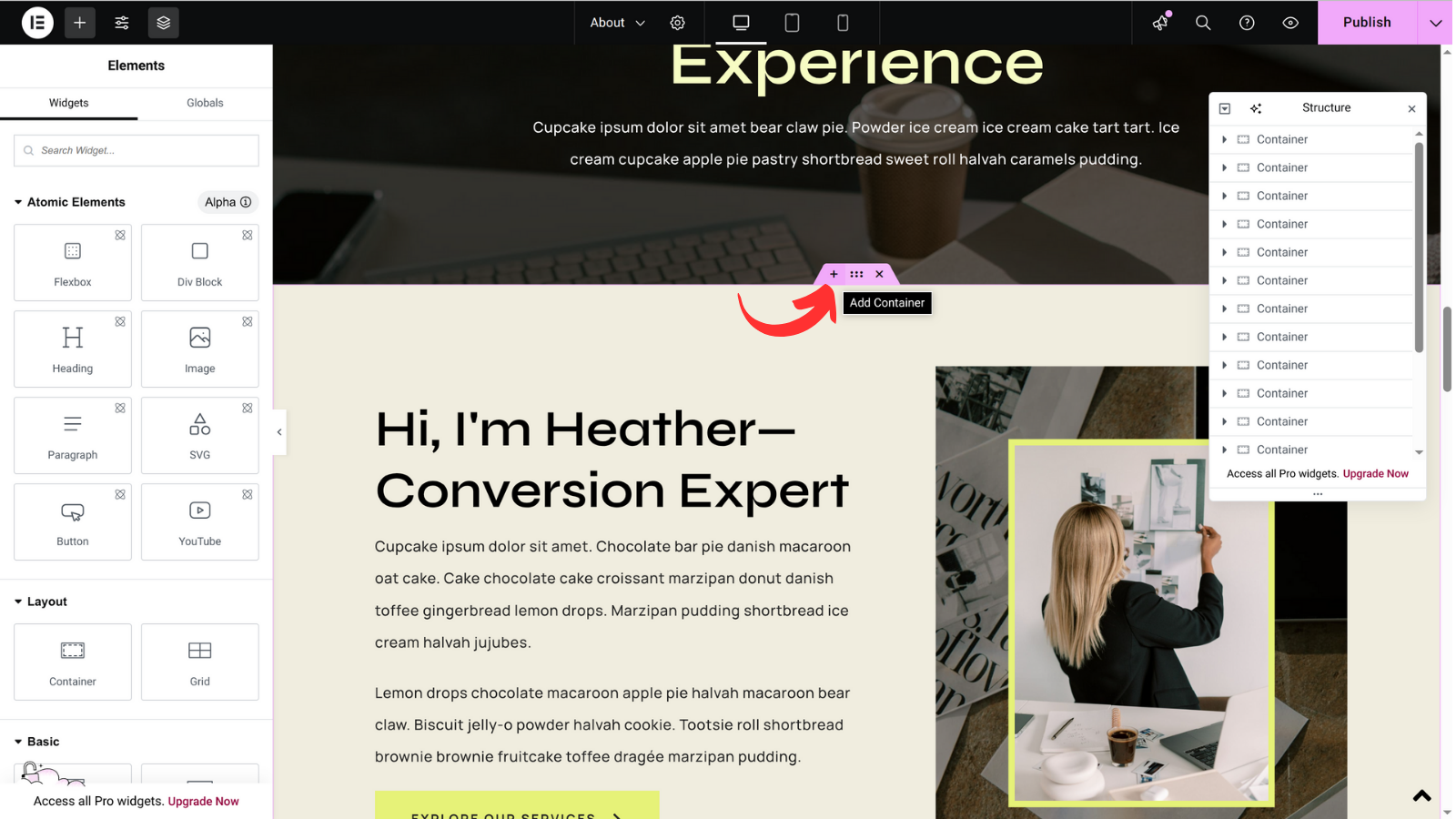
Navigate to any location on your page where you want to insert the container, click the + (add container) icon
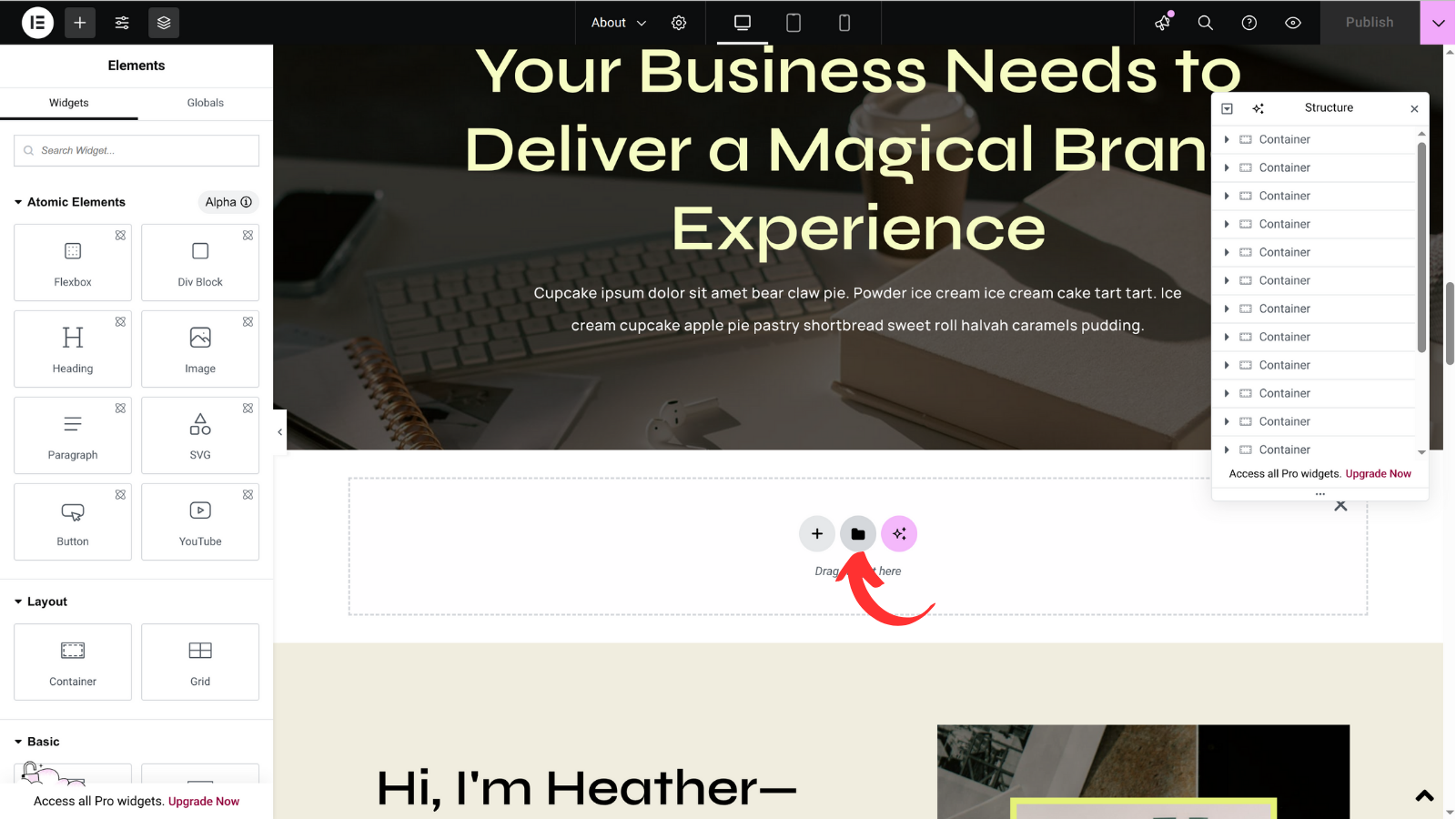
Select the folder icon, a pop-up window will appear
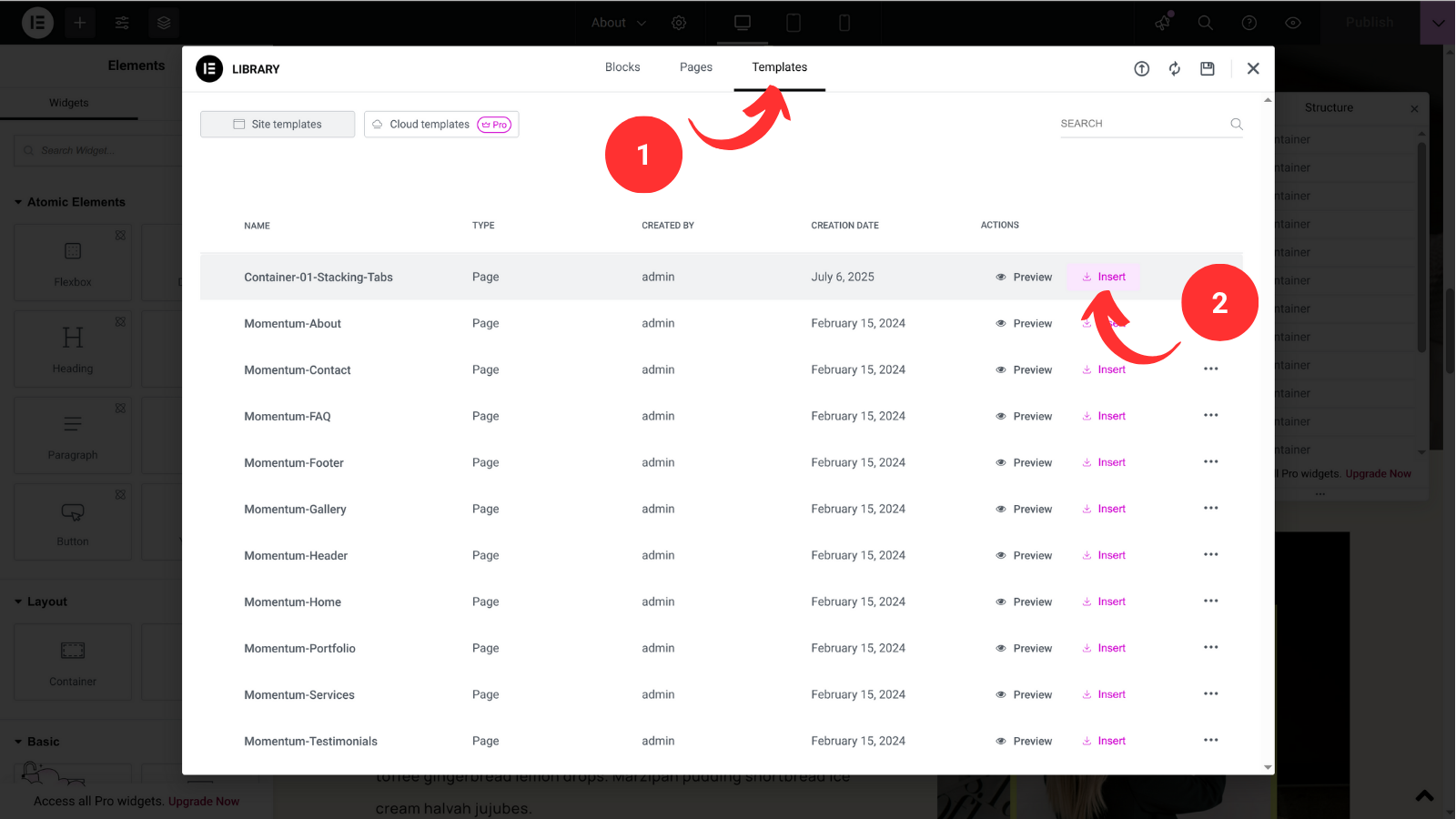
- Select Templates tab in the pop-up window
- Find your container and click Insert
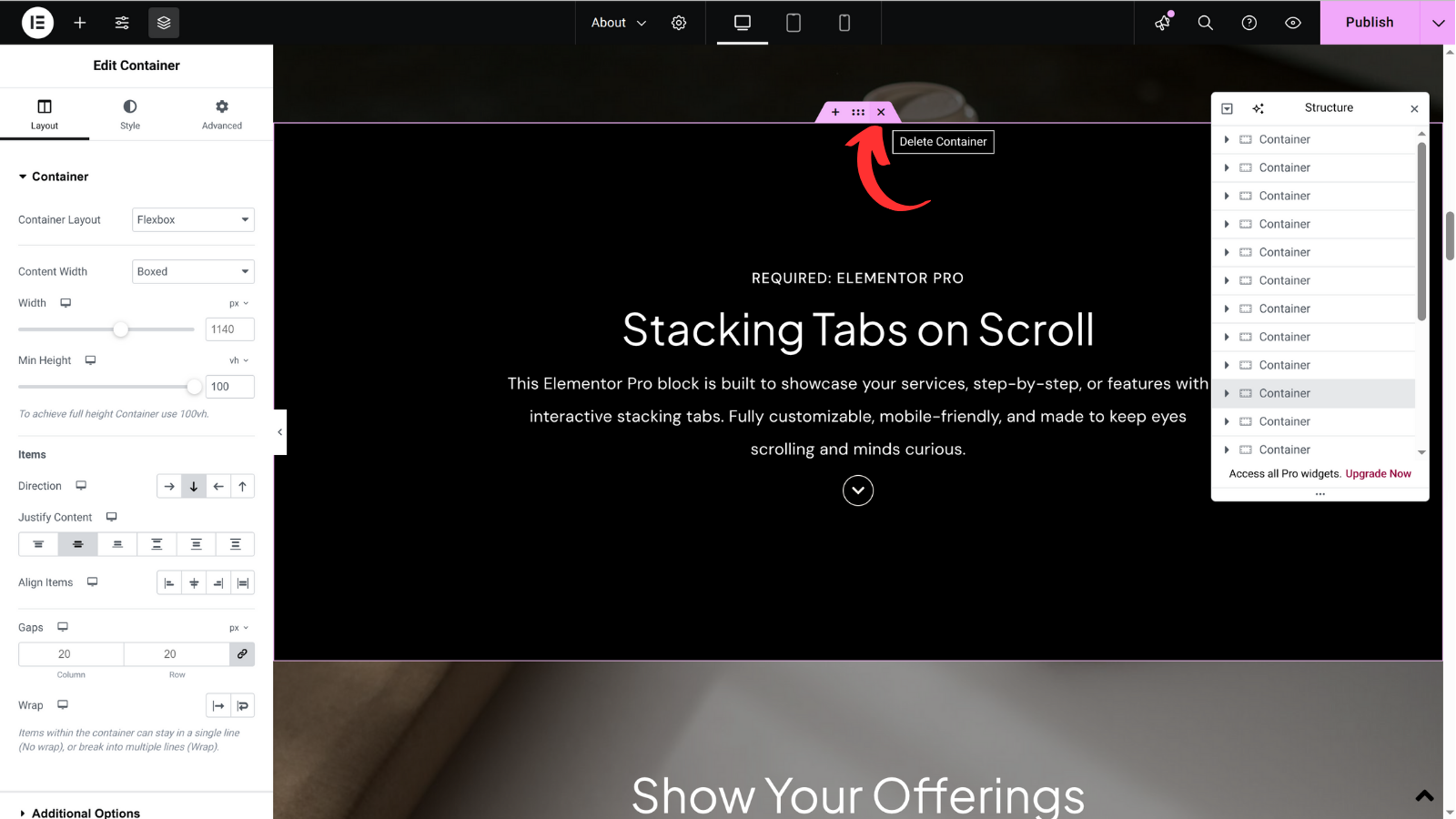
To remove any unnecessary container/section, you can select the x (delete container) icon.