IMPORTANT NOTE: This action will overwrite your current Customizer settings. If you are setting up the Bluchic Elementor theme for the first time, you may proceed. If not, please note that your existing Customizer configuration will be replaced.
- Install and activate Customizer Export/Import plugin
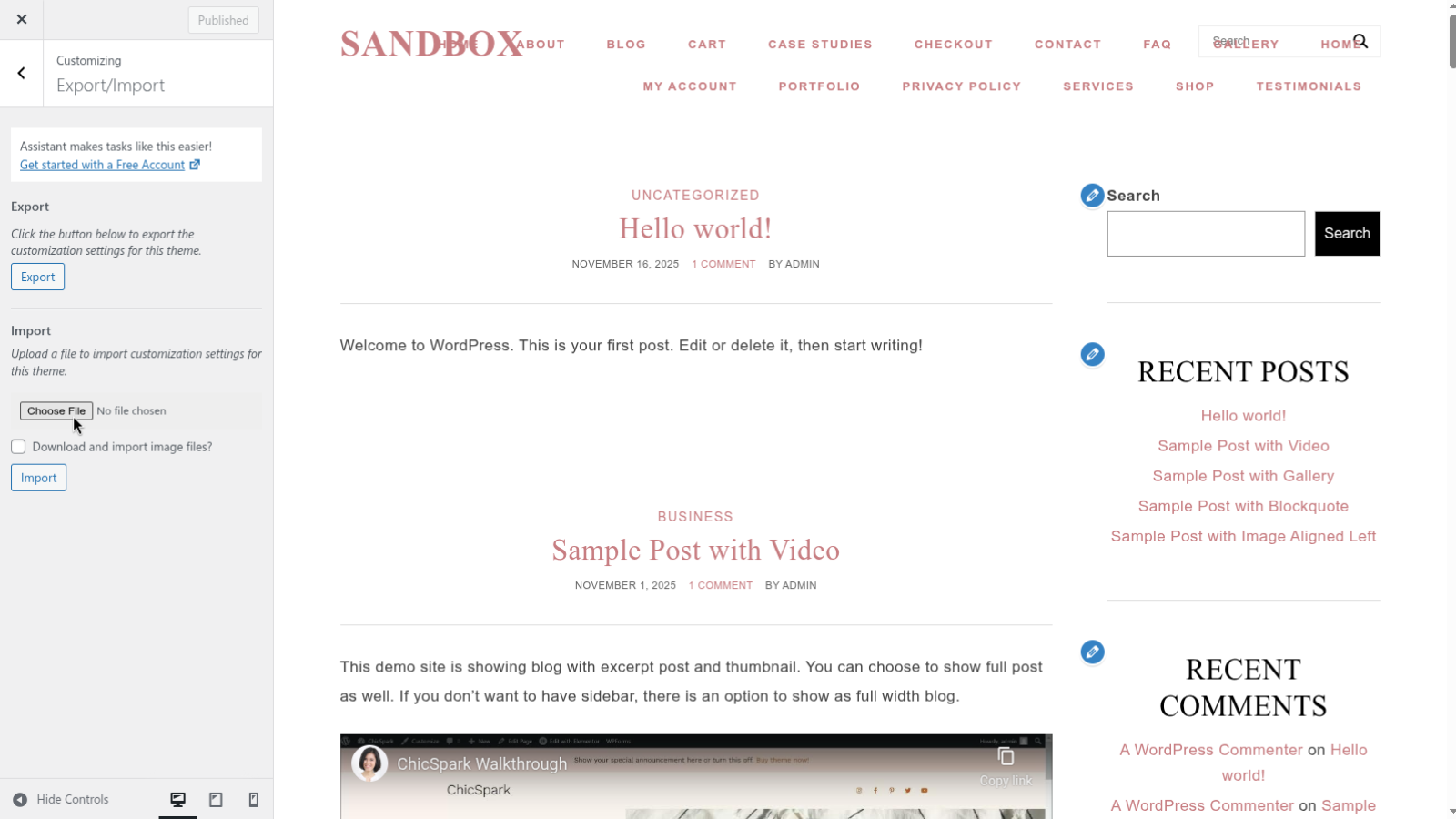
- Navigate to Customize > Export/Import
- Find Import section and click Choose File
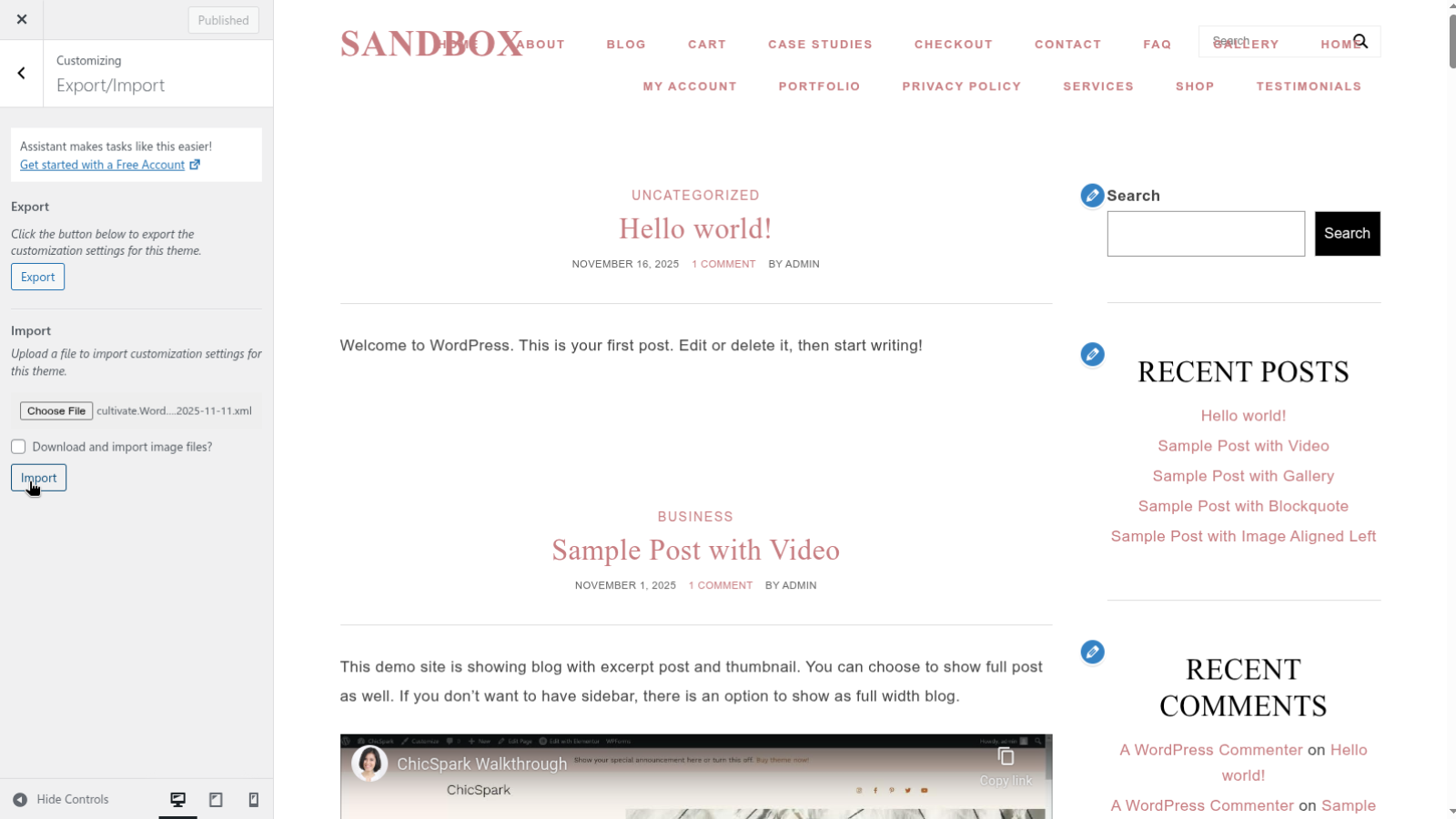
- Locate and select <theme name>-Customizer.dat
- Press Import to import all the customize settings