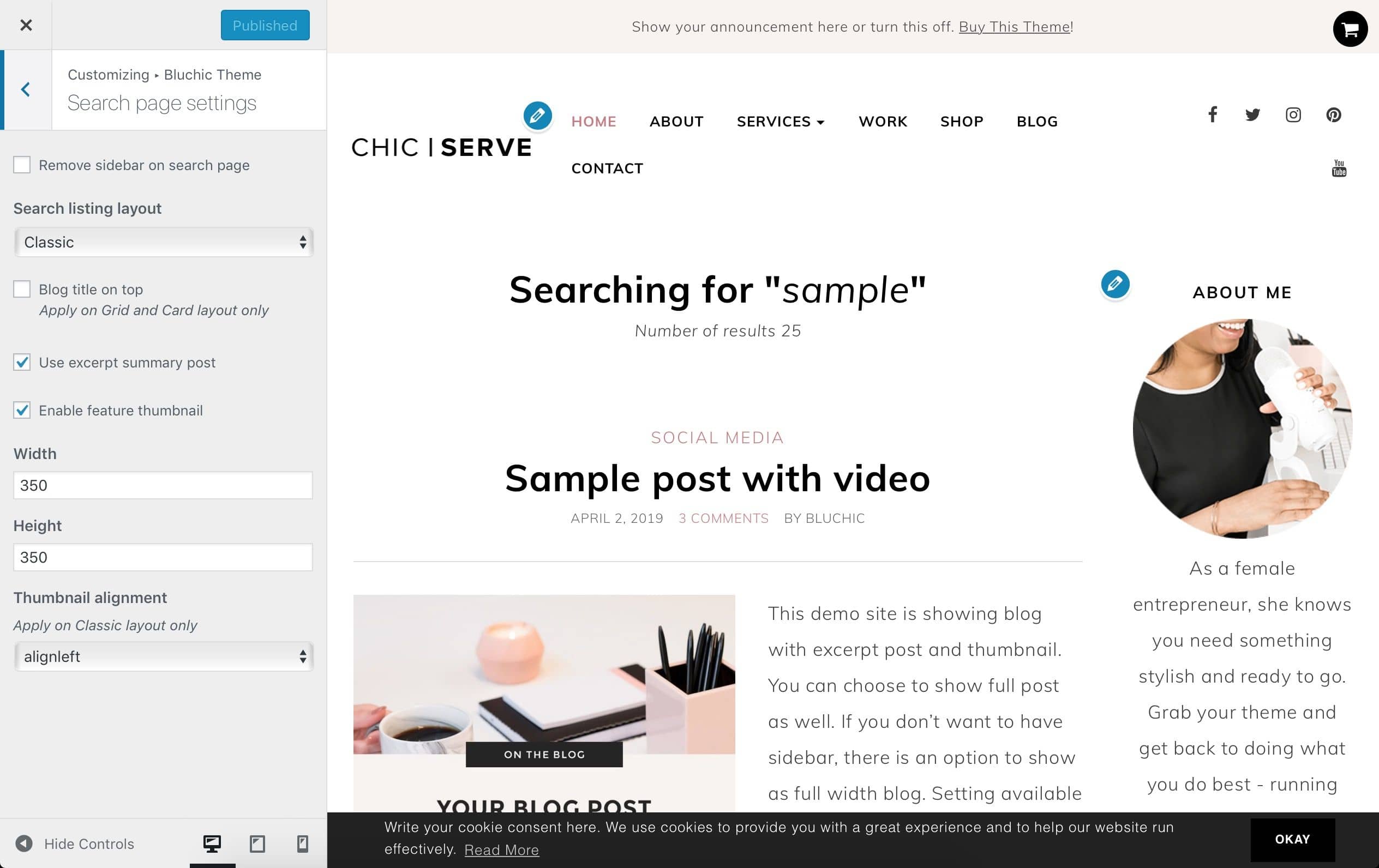
There are a few search result page layout choices you can choose from the theme.
- On search result page (search any term) click Customize link on admin toolbar
- Go to Bluchic Theme – Search page settings tab
- Check all necessary settings for your preference
- Click Publish on top to publish your changes (Note: Make sure it’s not Draft or Schedule)
Make sure to regenerate your thumbnail after you setup the Featured Image size.
Below is the settings of demo site for your reference: