
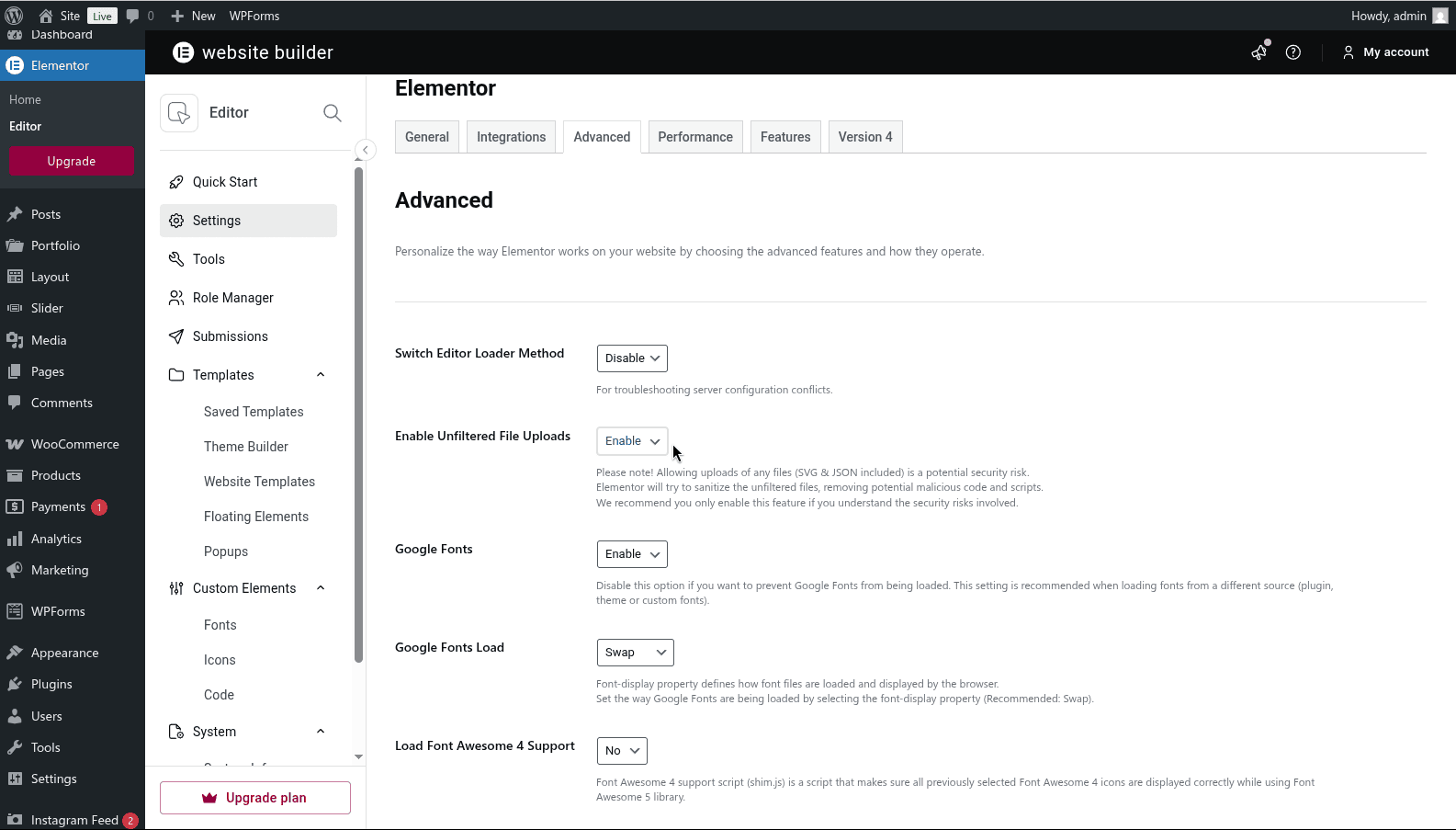
- Go to Elementor > Editor > Settings > Advanced tab
- On Enable Unfiltered File Uploads select Enable and click Save Changes
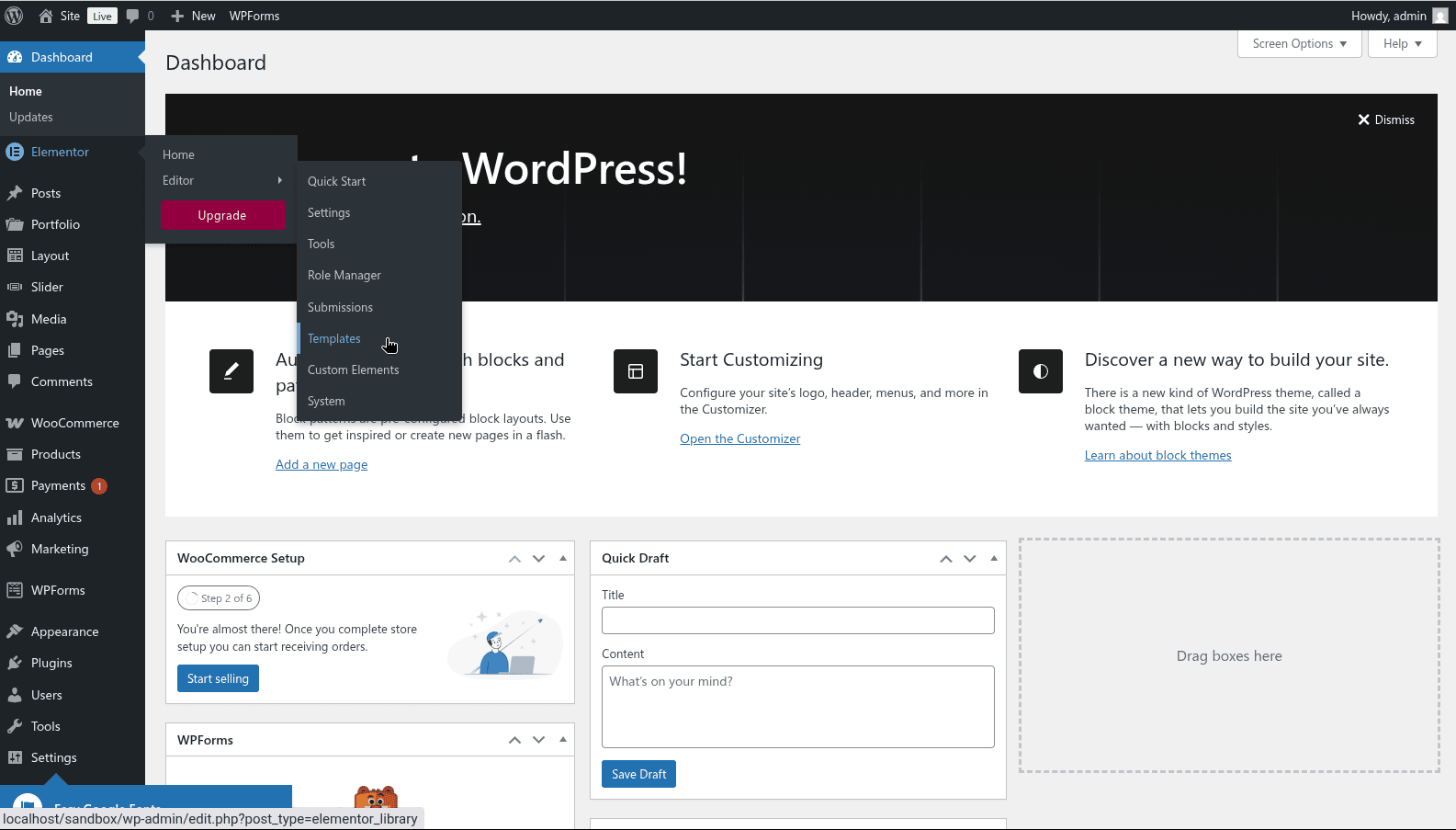
- Go to Elementor > Editor > Templates
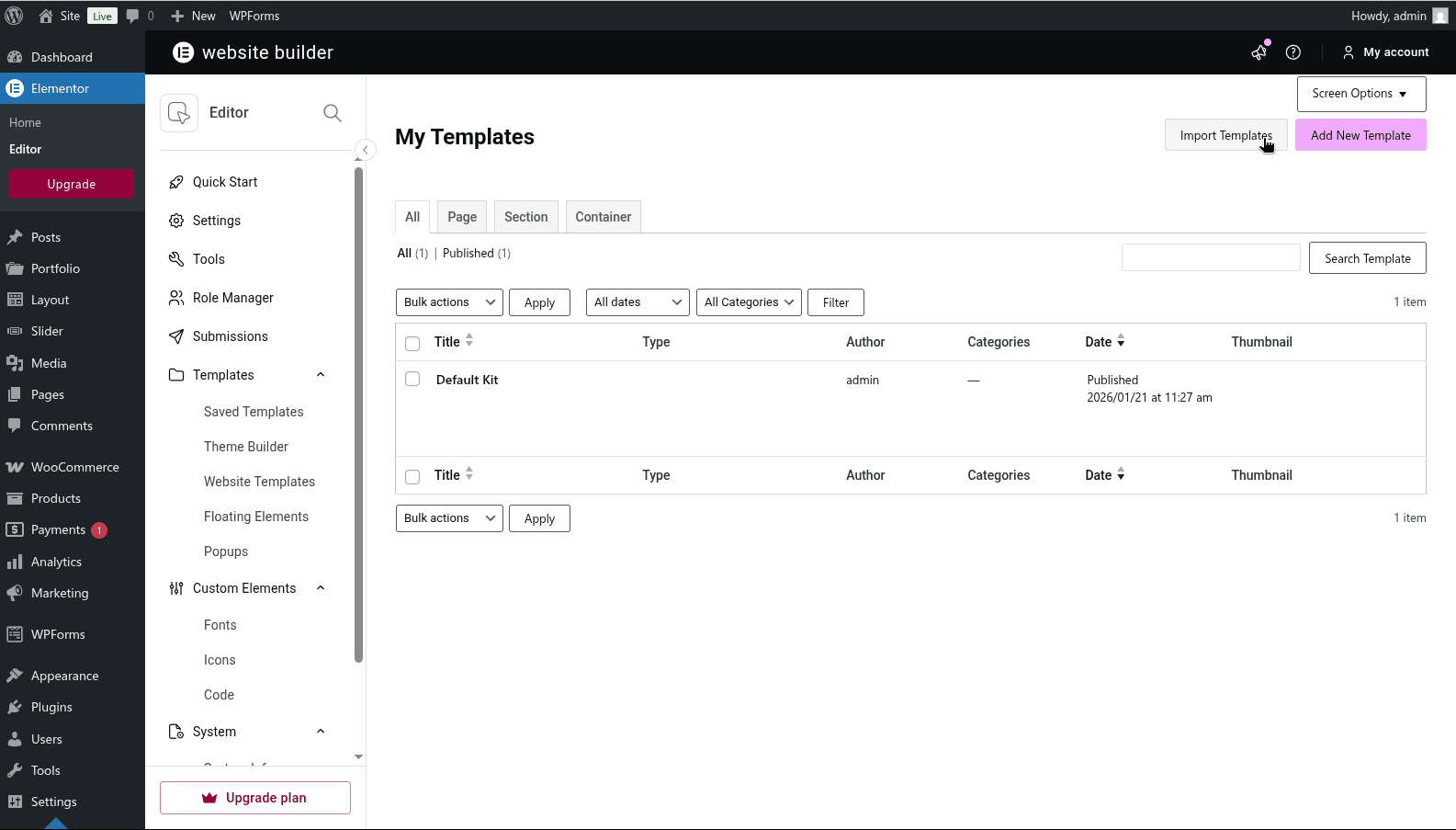
- Select Import Template button on top right
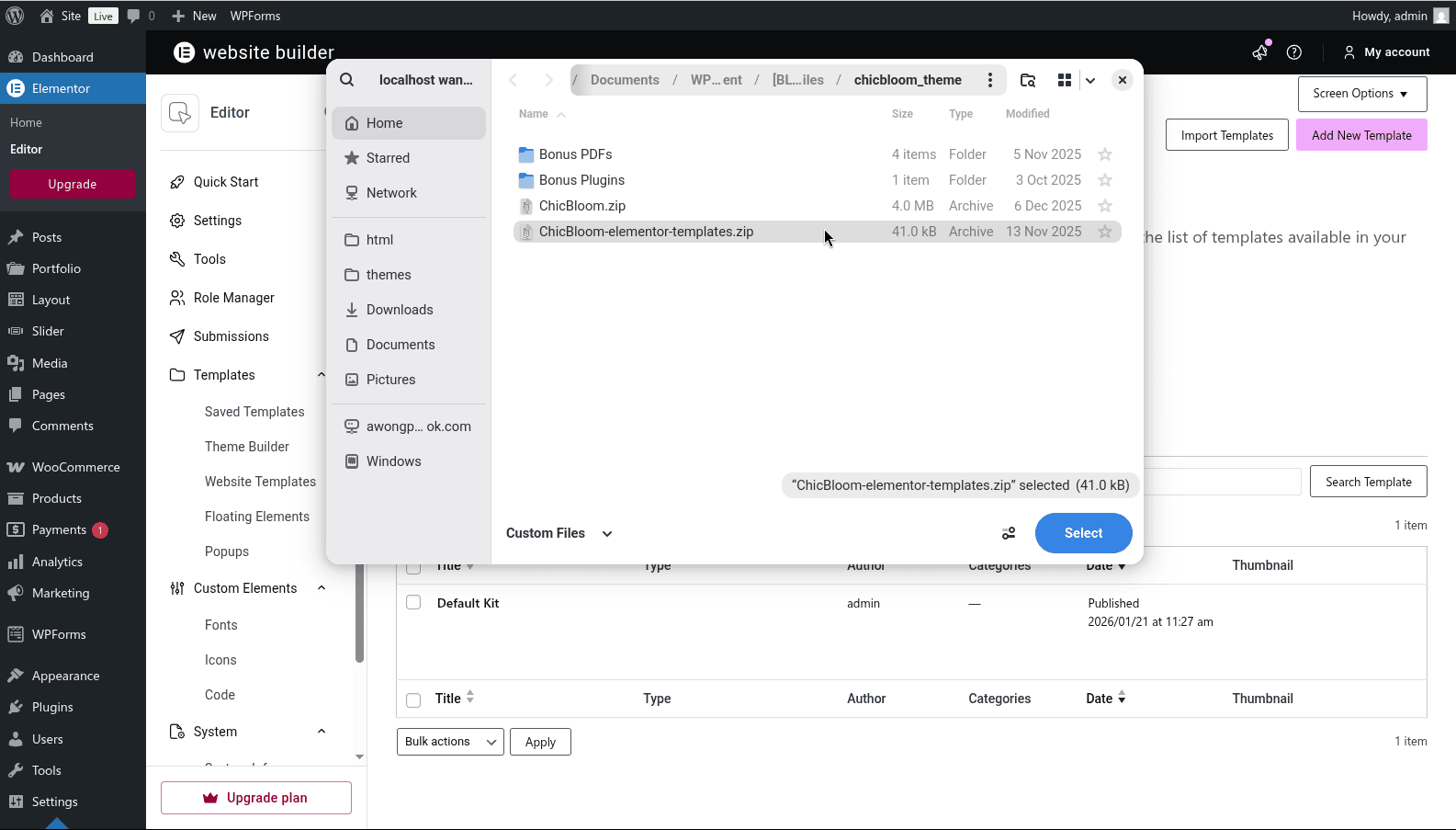
- Find and select <theme name>-elementor-templates.zip file
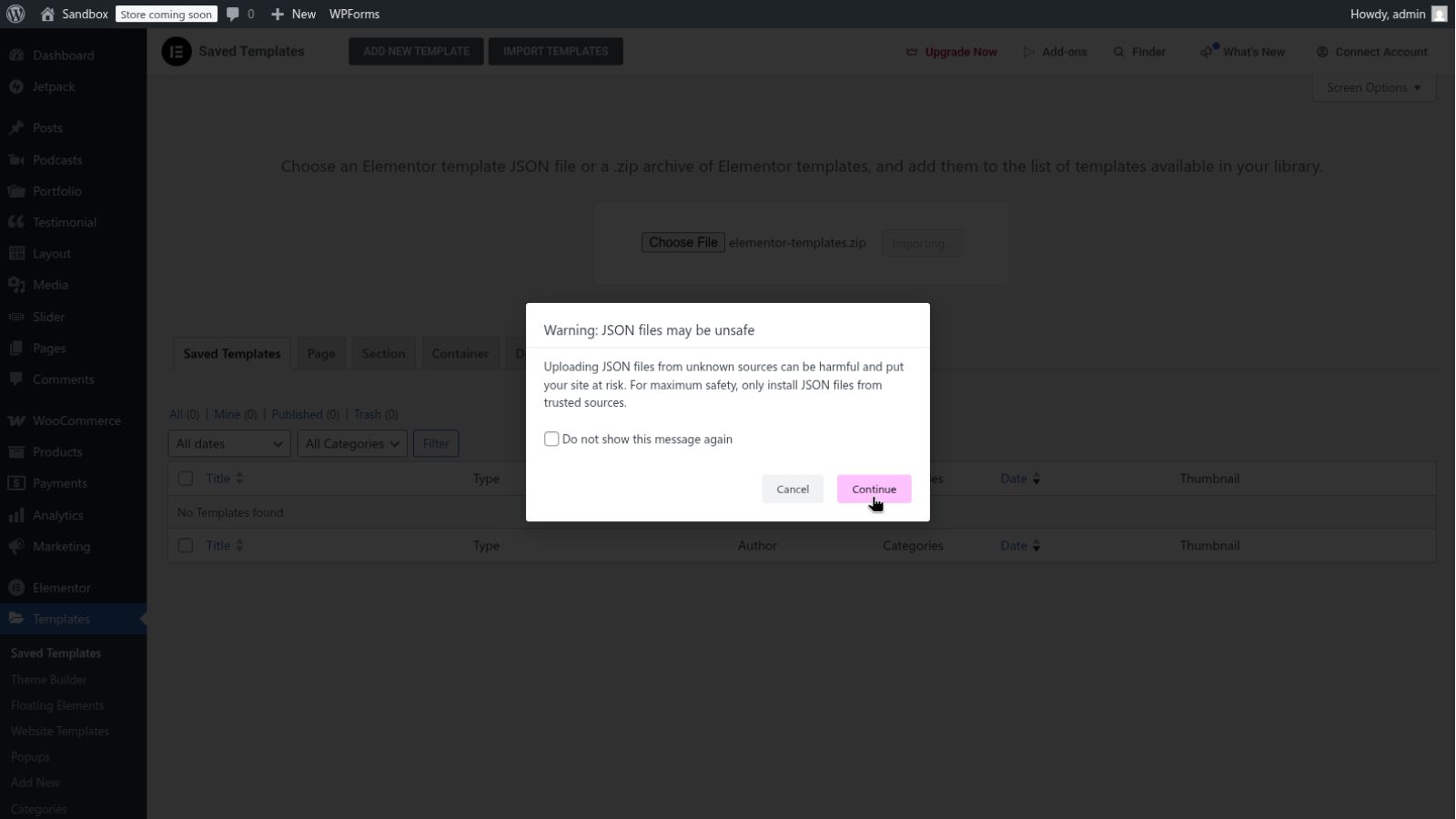
- Click Import Now button to import the templates
- Click Continue if there is a pop-up message
NOTE:
If your server disabled upload/import zip file, you can unzip the <theme name>-elementor-templates.zip and import the JSON templates instead.